
In-store
Tap to pay: what your counter actually needs
Terminals, phone wallets and tipping, without buying more hardware than you use.
Hermosa Payments team4 min read
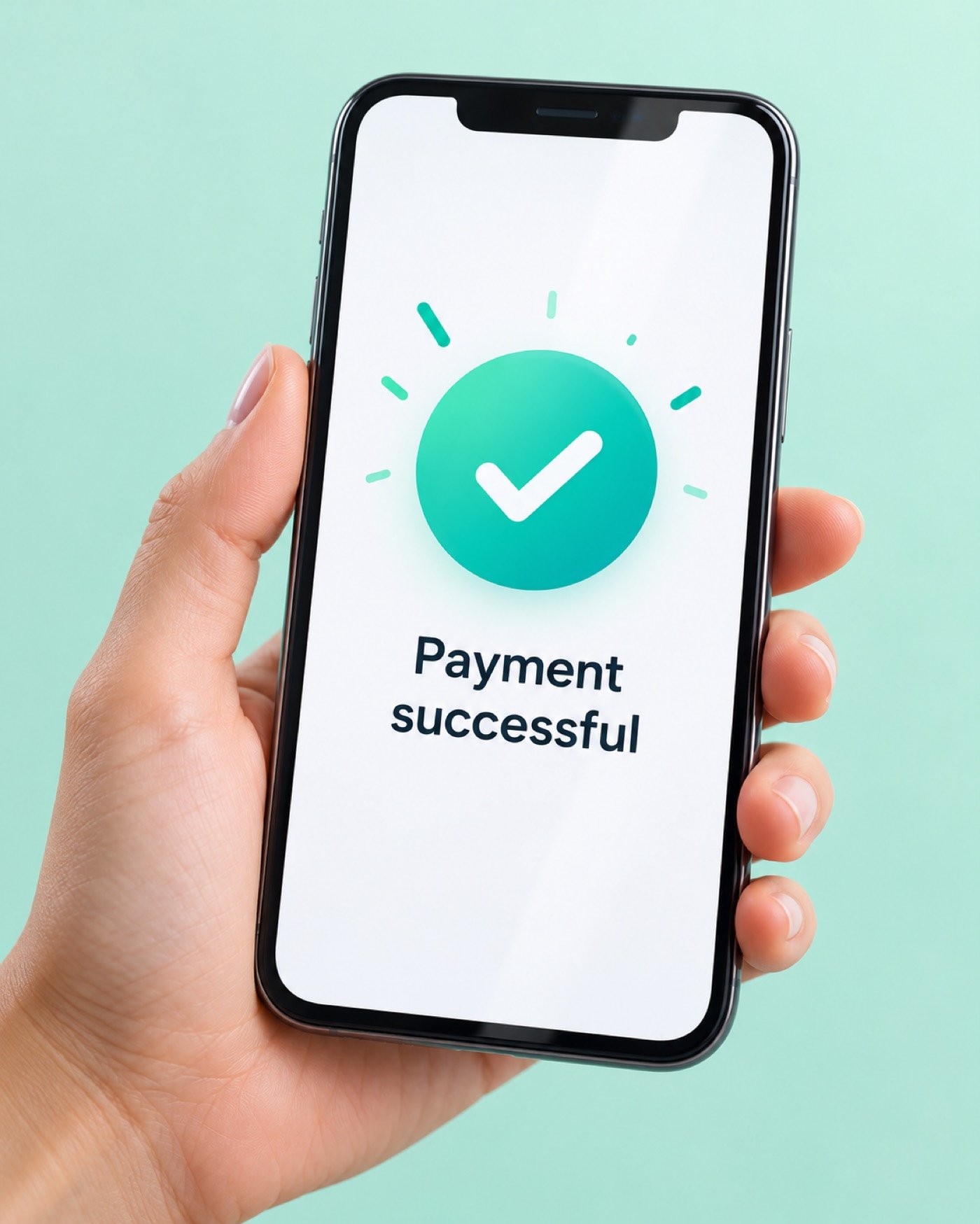
Tap to pay covers contactless cards and phone wallets. Most customers now expect it, and it’s usually faster than inserting a chip.
What you need
- A terminal or reader with contactless (NFC) support.
- A processor account that accepts phone wallets.
- Tipping prompts, if your business takes tips.
If your current terminal already accepts contactless, you may not need new hardware at all. Send us the make and model and we’ll check.
Countertop or mobile
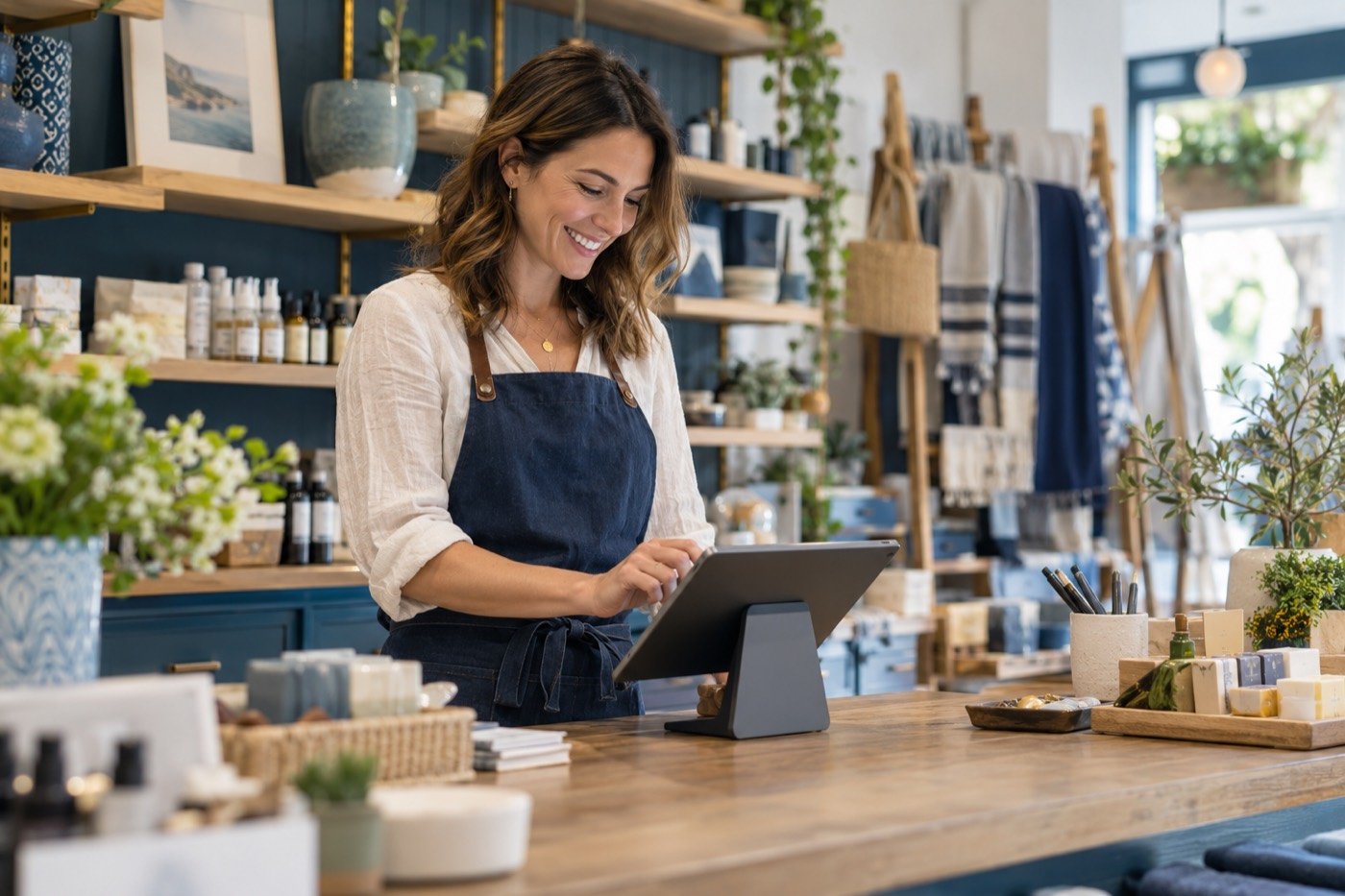
Countertop terminals suit a fixed register. Mobile readers and handhelds work better for tableside service, pop-ups or service calls. Many businesses use one of each.
Want a second opinion on your statement?
Send us a recent statement and we’ll show you what you pay now and what you could pay. It’s free and there’s no commitment.